Sometime I found that the text before “:~$” could be very long and occupying almost half of the space of the terminal windows.
You can temporary customize this text by execute the following command:
PS1='$ '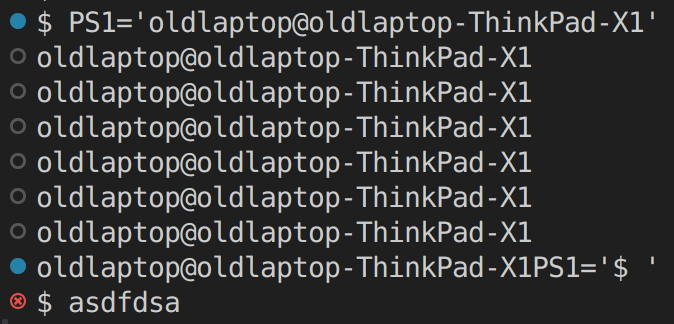
Sometime I found that the text before “:~$” could be very long and occupying almost half of the space of the terminal windows.
You can temporary customize this text by execute the following command:
PS1='$ 'Subscribe to get the latest posts sent to your email.